AI Image Generator
Write what you want to see, pick a ratio and generate. Use the image as a poster, a thumbnail or the first frame of an AI video.
Examples you can make
Each example comes with the prompt to start from. Copy it, change a detail and make it yours.
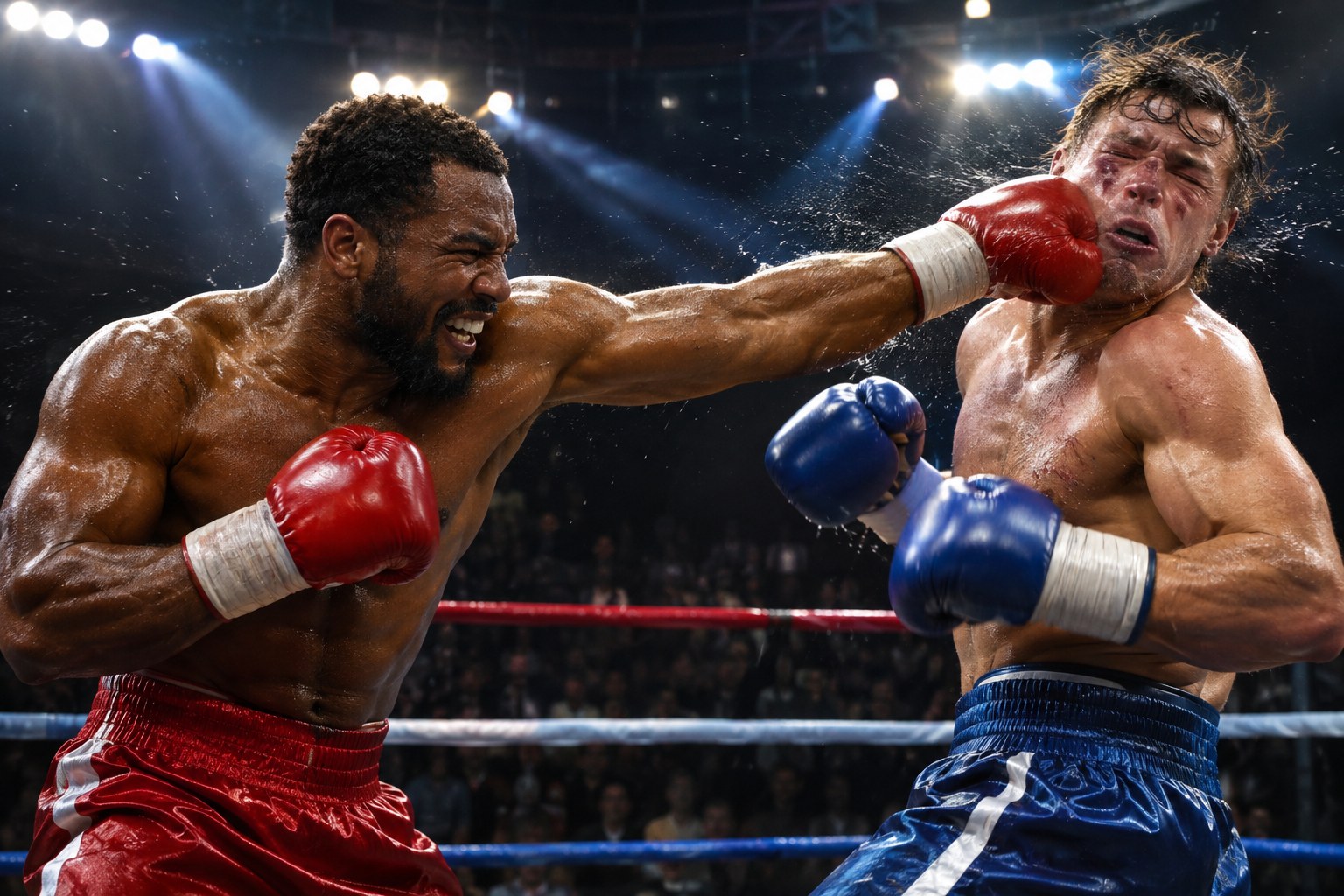
Boxing match
Two boxers trading punches in a floodlit ring, sweat and motion, dramatic arena light
Mushroom field
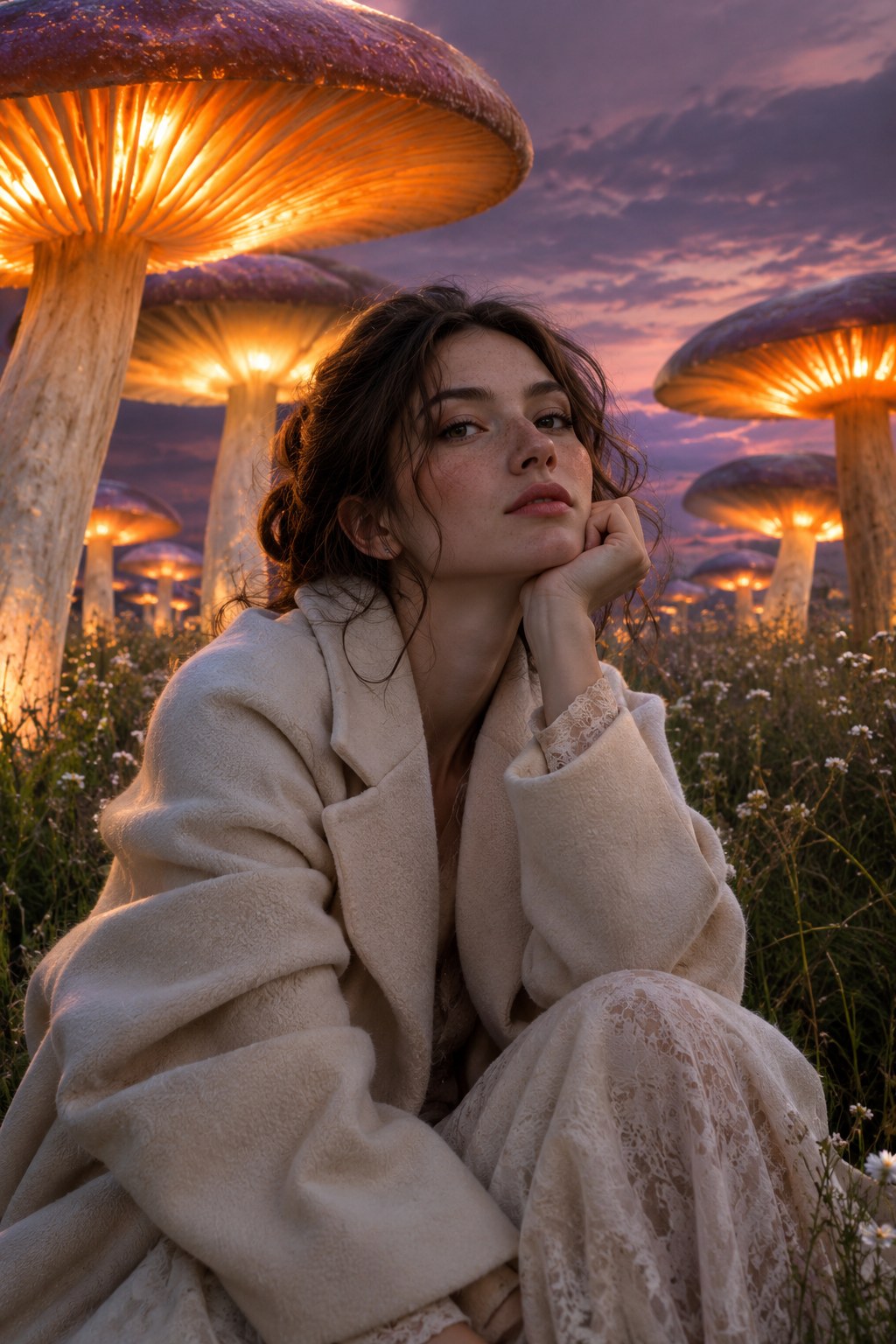
A woman in a pale coat resting her chin on her hand in a field of giant glowing mushrooms, dusk sky
Desert hero
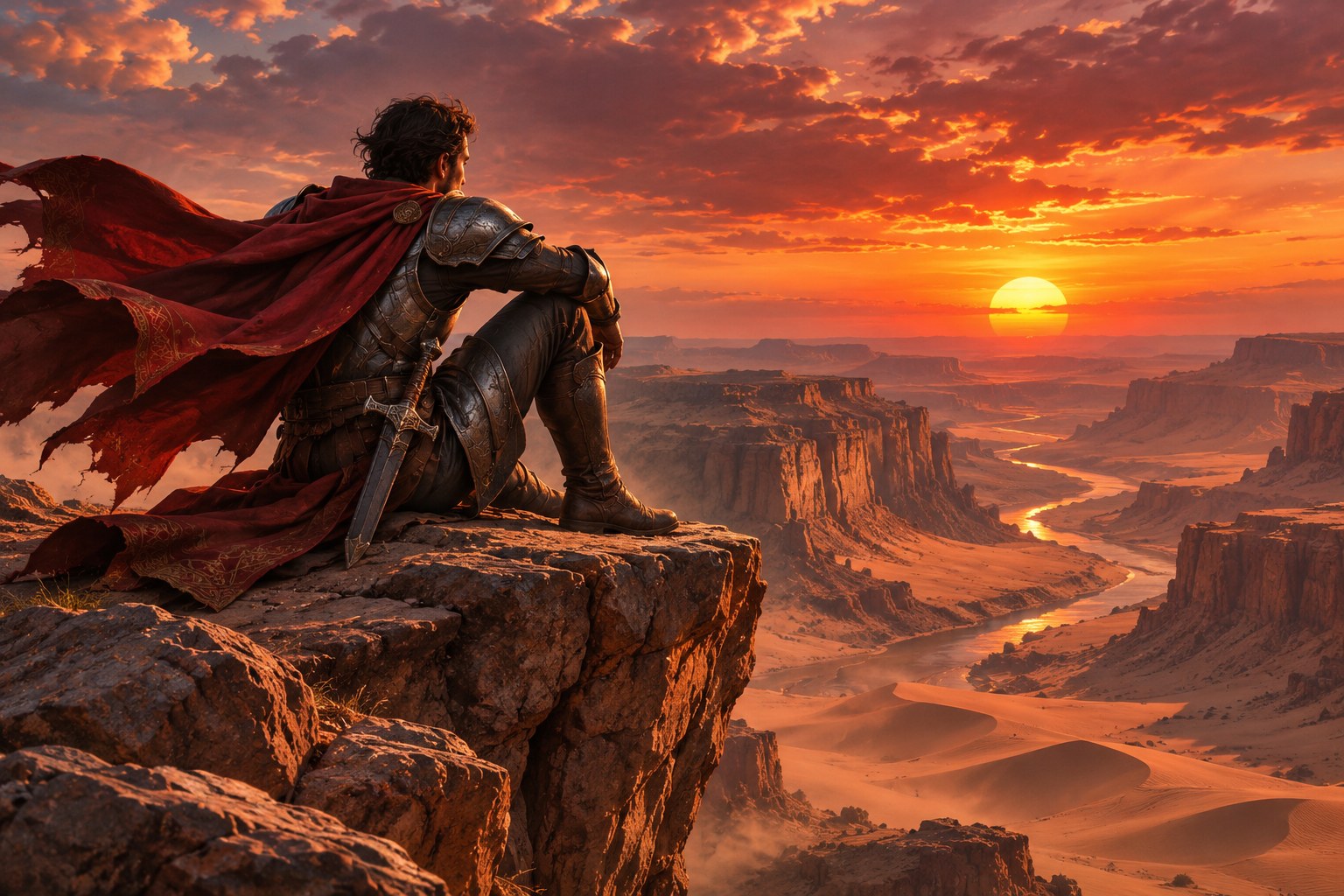
A lone armored hero sitting on a cliff above a desert canyon at sunset, cape moving in the wind

Old-town café
A man in a knit sweater at a café table on a sunny old-town square, relaxed, natural light
Retro poster
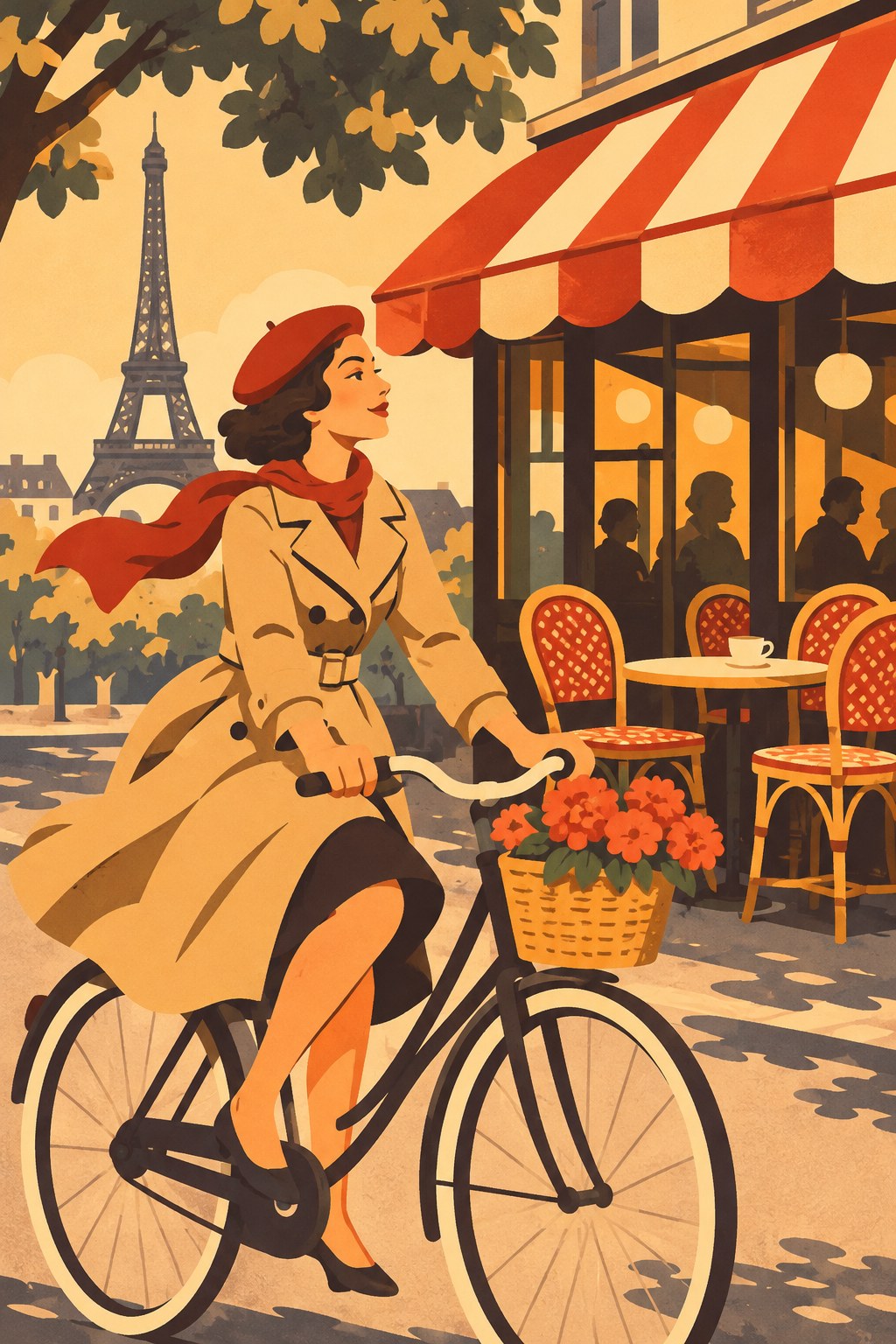
A retro travel poster illustration of a woman in a trench coat riding a bicycle past a Paris café
Rainy window
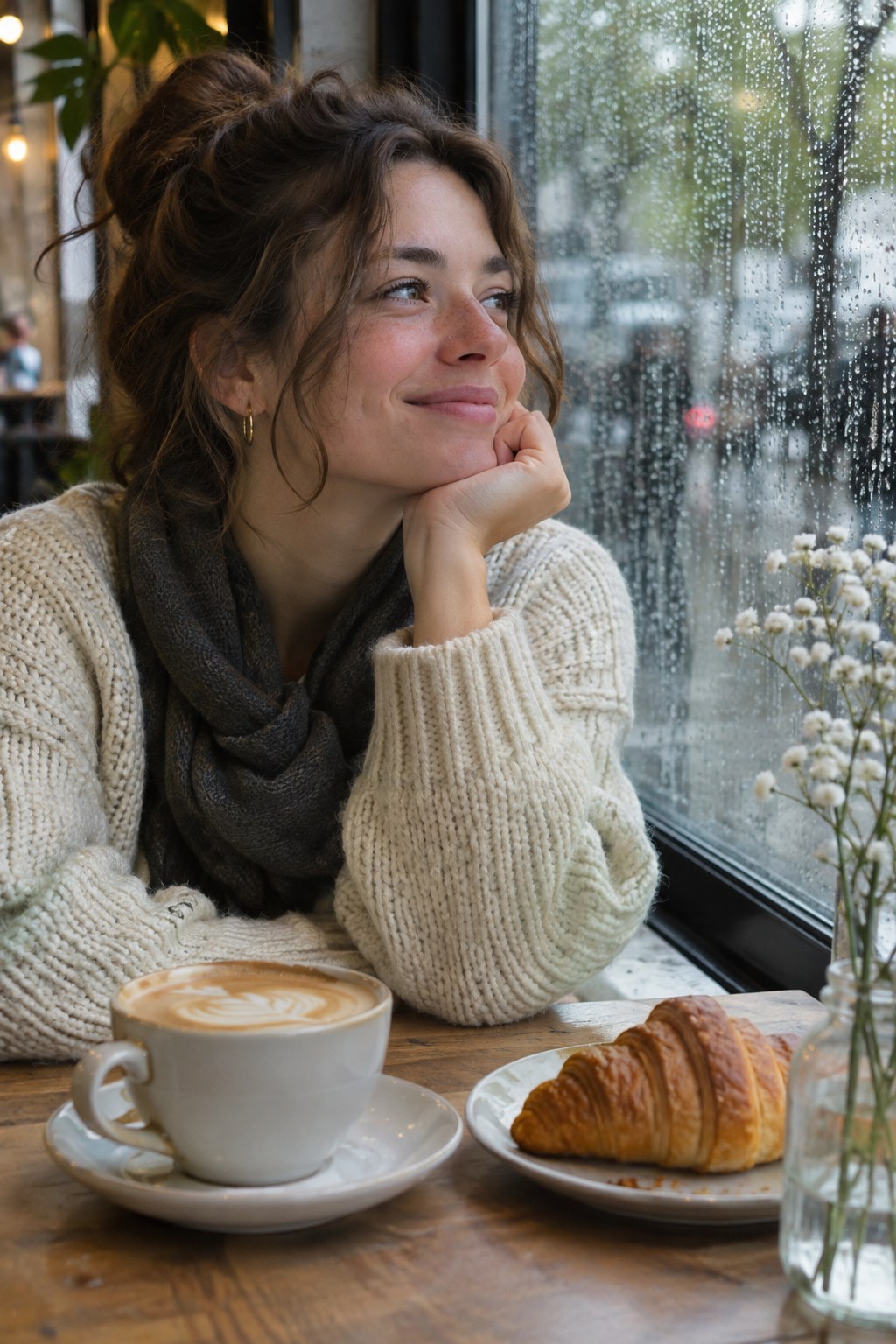
A woman by a rainy café window with a coffee and a croissant, soft daylight, candid photo
What is ai image generator?
A text-to-image generator turns a written description into a picture. You decide the subject, the setting and the mood in plain words, and the model draws it.
Images made here work well as posters, covers and thumbnails. You can also use one as the starting photo for an AI video, which gives you full control over how the first frame looks.
Plain-language prompts
Describe the picture the way you would tell a friend. No special syntax to learn.
Three ratios
Square for feeds, 16:9 for covers, 9:16 for stories and short video.
Saved to Assets
Every image is stored in your Assets page until you delete it, so you can download it later.
Straight into video
Download the image and use it as the photo for any video on Ezlum.
How to use ai image generator
- 1
Write a prompt
Name the subject, where it is and how the light looks. Or start from a sample prompt.
- 2
Choose a ratio
Pick square, wide or tall depending on where the image will be used.
- 3
Generate and download
Your image appears next to the form and is saved to Assets.
Prompts to start from
Fox portrait
A red fox sleeping on a mossy log in a quiet forest, soft morning light, shallow depth of field
Neon street
A rainy city street at night, neon signs reflected in puddles, a lone cyclist passing, cinematic wide shot
Product still
A ceramic coffee cup on a wooden table beside a window, warm side light, clean minimal background
Tips for better results
- 1
Lead with the subject, then add the setting and the light. That order keeps the main idea clear.
- 2
Name one style or mood, such as cinematic or soft studio light. Several styles in one prompt pull in different directions.
- 3
If the result is close but not right, change one detail and generate again.
- 4
Leave out text you want printed in the image. Add words to the picture afterwards in an editor.
AI Image Generator FAQ
How many credits does an image cost?
Each image costs 3 credits. New accounts get free credits to try it.
Can I use the images commercially?
Check our Terms of Service for the current usage rights before you publish an image in a commercial project.
What can't I generate?
Sexual content, content involving minors, graphic violence and anything that breaks our Community Guidelines. Prompts with those topics are blocked.
Do I lose credits if generation fails?
No. Credits are returned automatically when a generation fails.
Can I turn the image into a video?
Yes. Download it, then upload it as the photo for any video.