Photo to Art: Turn Photos into Artwork
Upload a photo, choose an art style and generate a restyled version. Good for profile pictures, gifts and social posts.
Styles you can make
Upload a photo and pick one of these looks.
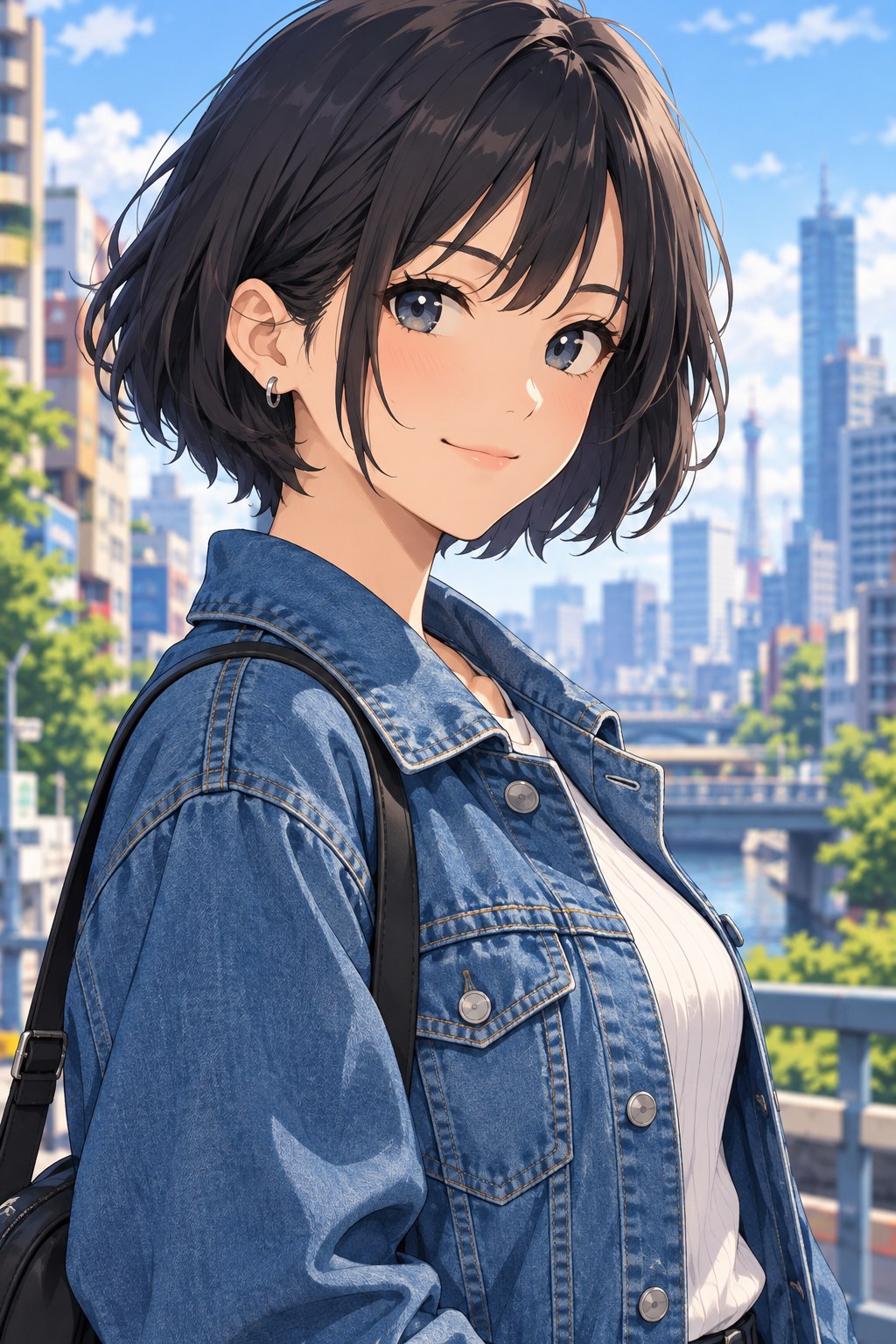
Anime
A portrait photo restyled as anime
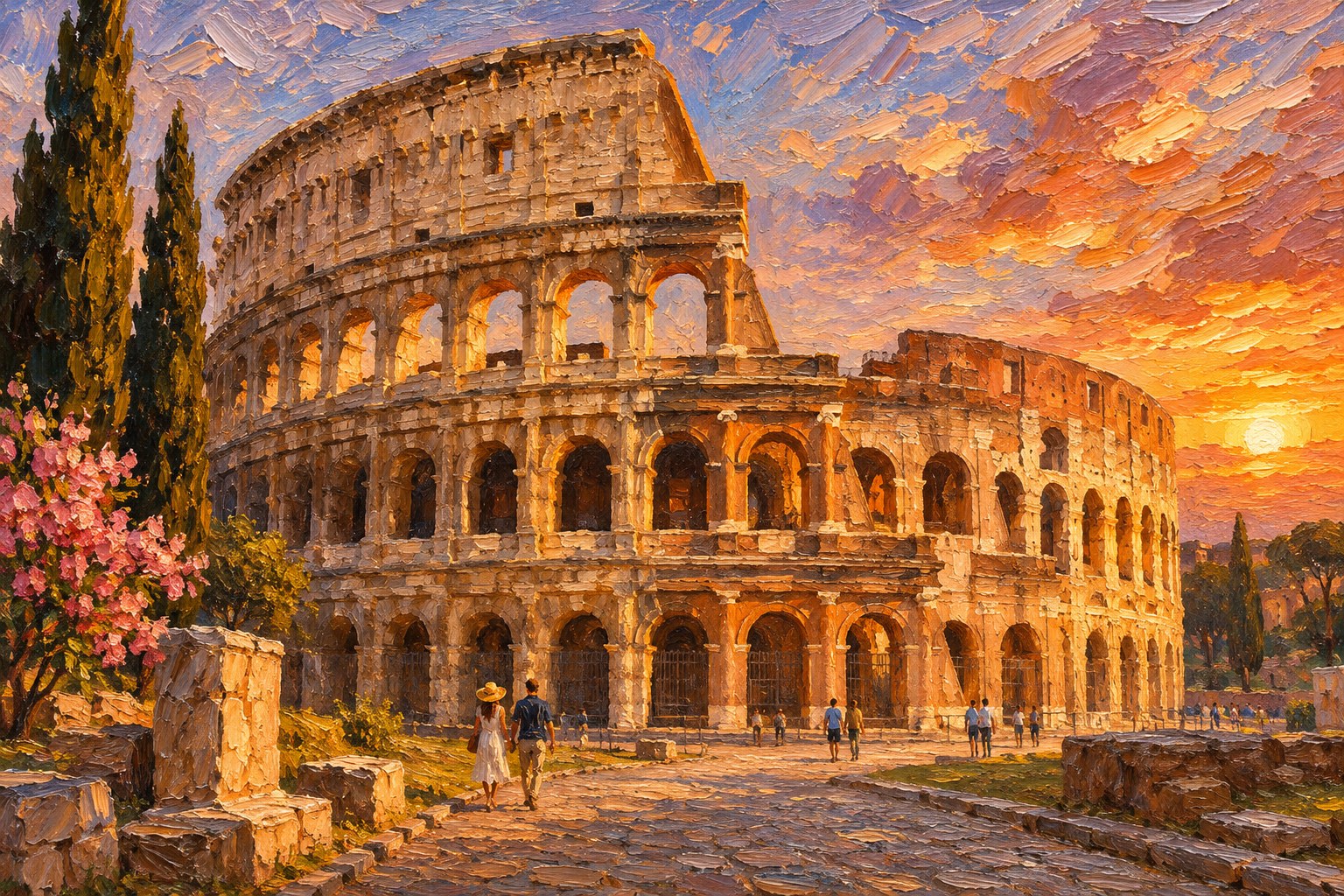
Oil painting
A landmark photo restyled as an oil painting
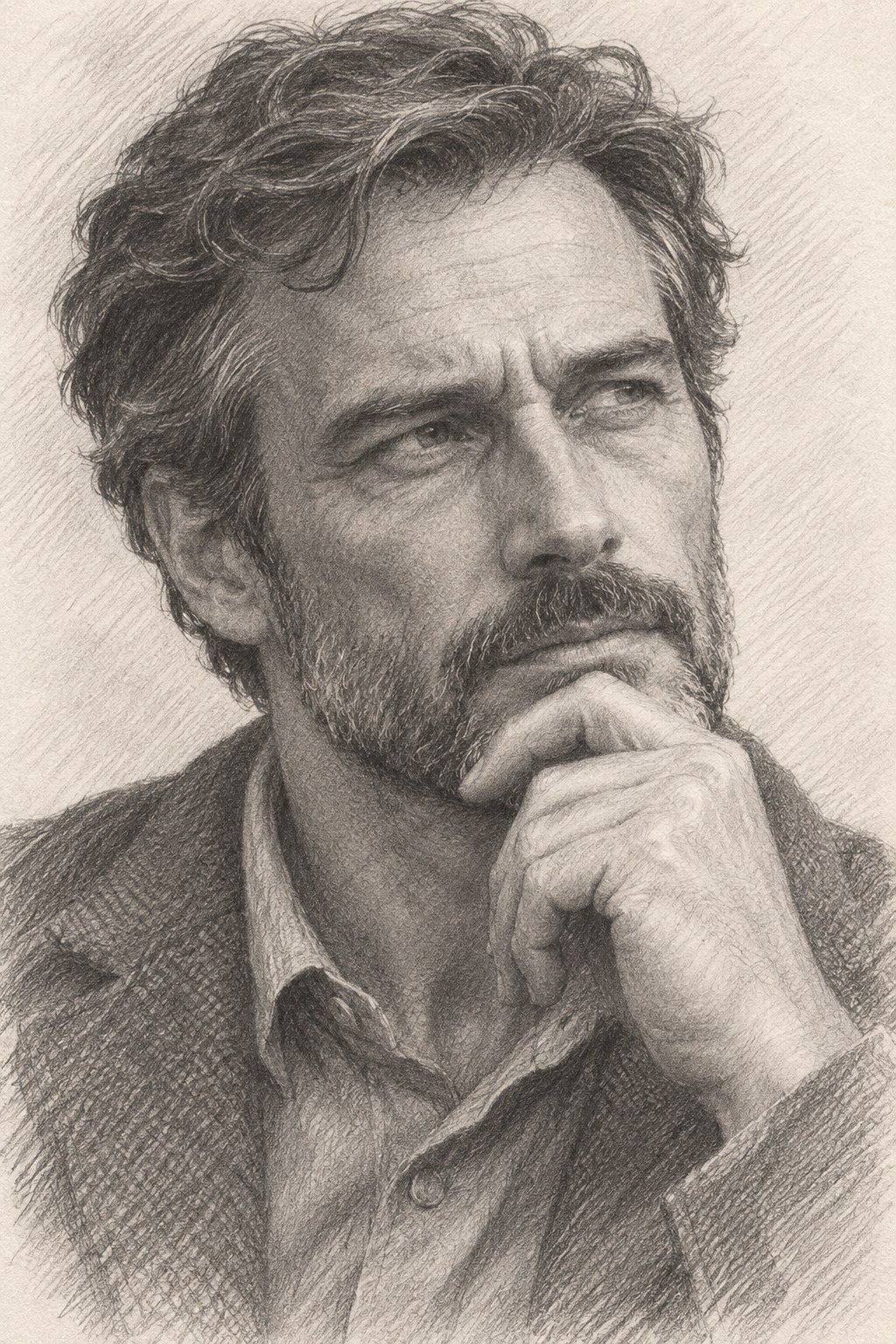
Pencil sketch
A portrait photo restyled as a pencil sketch
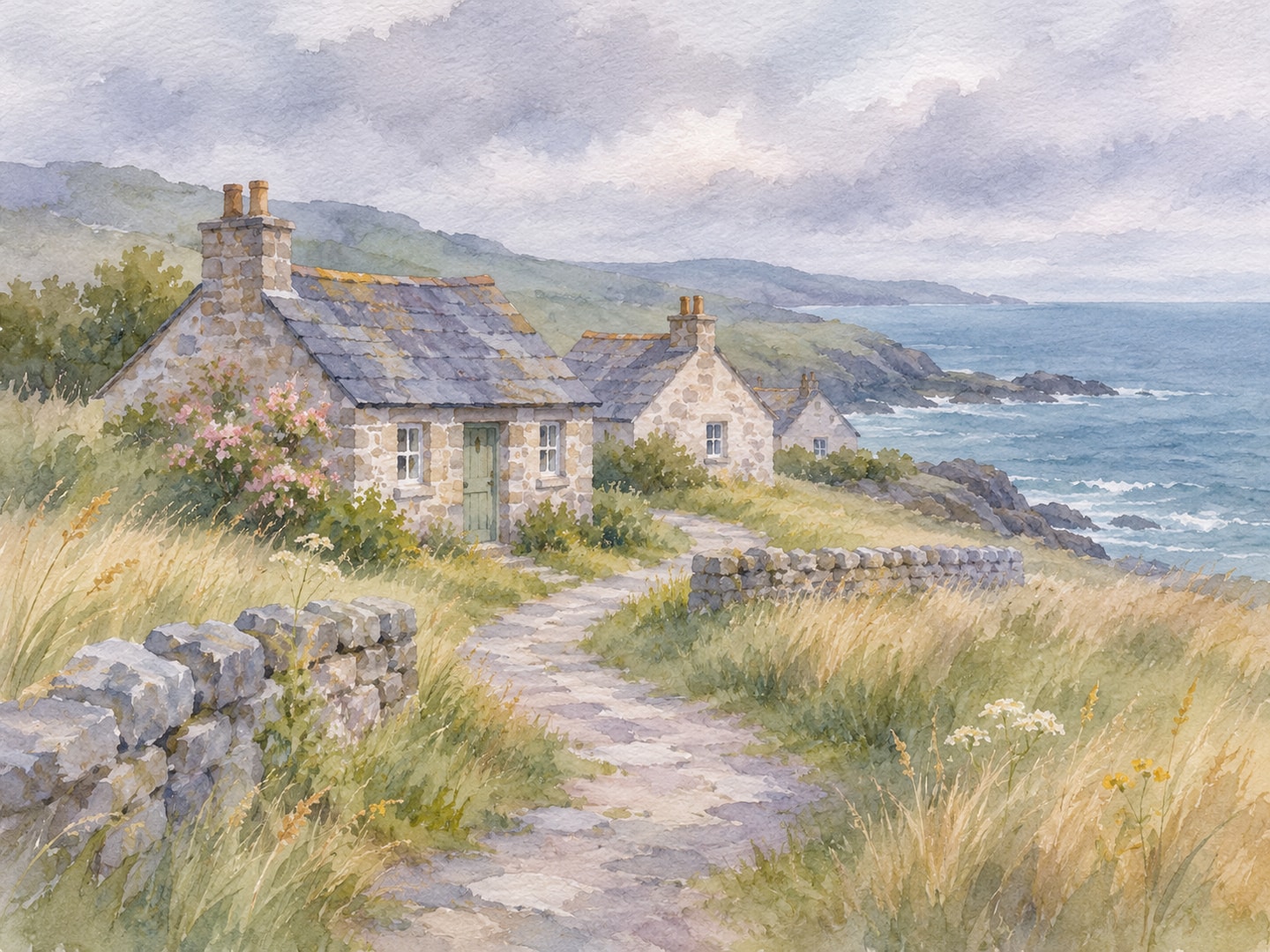
Watercolor
A coastal village rendered in soft watercolor washes
What is photo to art?
Photo to Art restyles a picture you already have. Your subject and composition stay, and the look changes to an illustration or painting style.
It works best on portraits, pets and landscapes with a clear subject. Restyled pictures also make a different starting frame for an AI video.
Four art styles
Anime, pencil sketch, oil painting and watercolor, each with its own look.
Your photo stays yours
Location data is removed from the photo when you upload it, and only you can open your files.
Keeps the composition
The subject stays where it is. Only the style changes.
Saved to Assets
Download the result now or come back to it later from Assets.
How to use photo to art
- 1
Upload a photo
Choose a JPG, PNG or WebP image up to 10 MB. A sharp photo with a clear subject works best.
- 2
Pick a style
Choose anime, pencil sketch, oil painting or watercolor.
- 3
Generate and download
The restyled picture appears next to your original and is saved to Assets.
Notes you can try
Keep the colors
Keep the warm colors and the soft background
Bold lines
Use bold outlines and flat shading
Soft and dreamy
Make it soft and dreamy with gentle edges
Tips for better results
- 1
Choose a photo where the subject is in focus and well lit. Blurry photos stay blurry after restyling.
- 2
Portraits suit anime and sketch. Landscapes suit oil and watercolor.
- 3
Crop the photo first if the subject is small in the frame.
- 4
Try the same photo in two styles and keep the one you like.
Photo to Art FAQ
How many credits does it cost?
Each restyled picture costs 3 credits. New accounts get free credits to try it.
What photos can I upload?
JPG, PNG or WebP files up to 10 MB. Only upload photos you own or have permission to use.
Do you keep my photo?
Your photo and the result are kept in your account until you delete them or ask us to delete your account. See our Privacy Policy for details.
Can I upload a photo of someone else?
Only with their permission. See our Terms for the rules on photos of other people.
Do I lose credits if generation fails?
No. Credits are returned automatically when a generation fails.