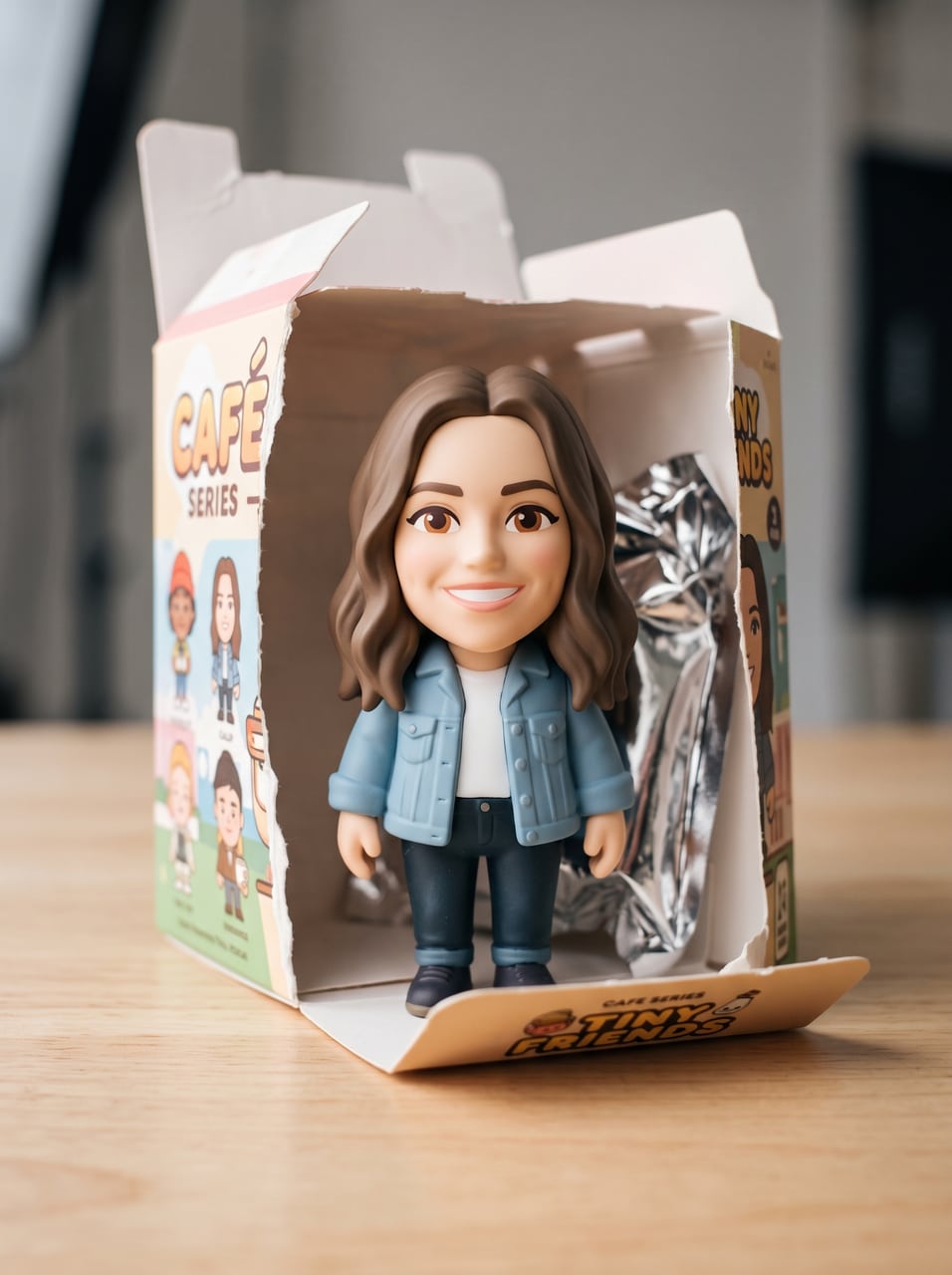
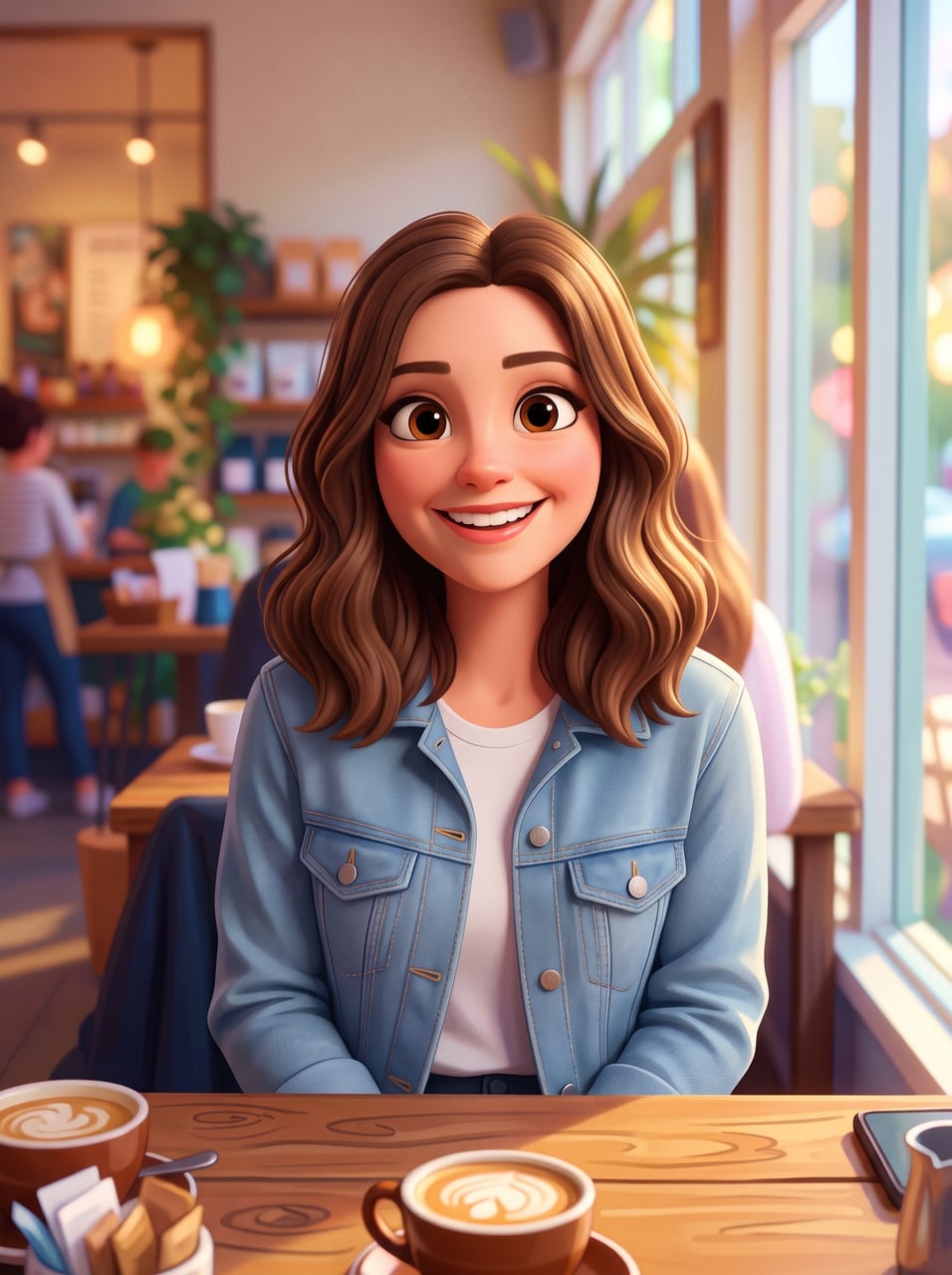
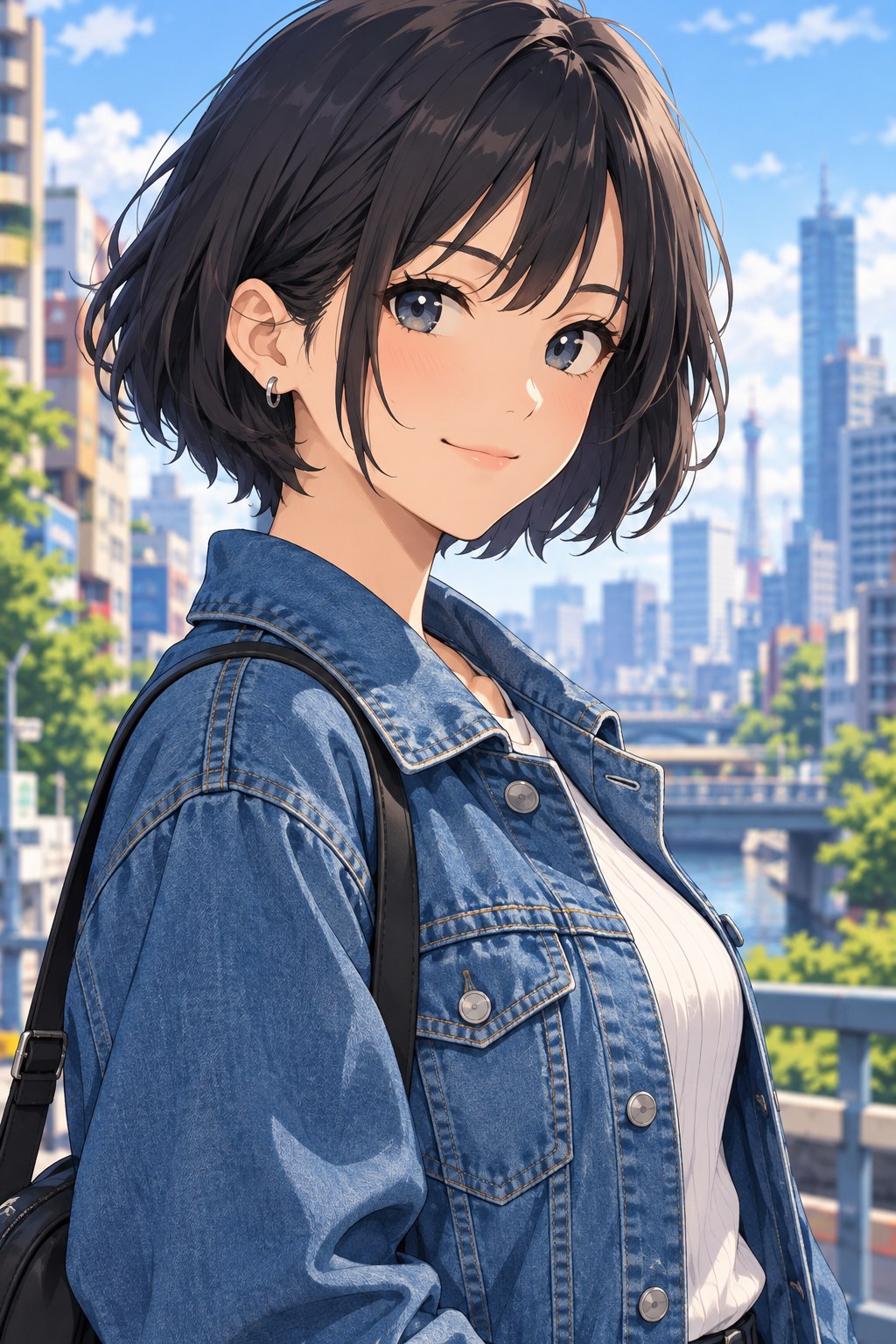
AI Baby Face Generator
Upload a photo of yourself and get a realistic baby version, with your eye color, hair color and features carried over.
Examples you can make
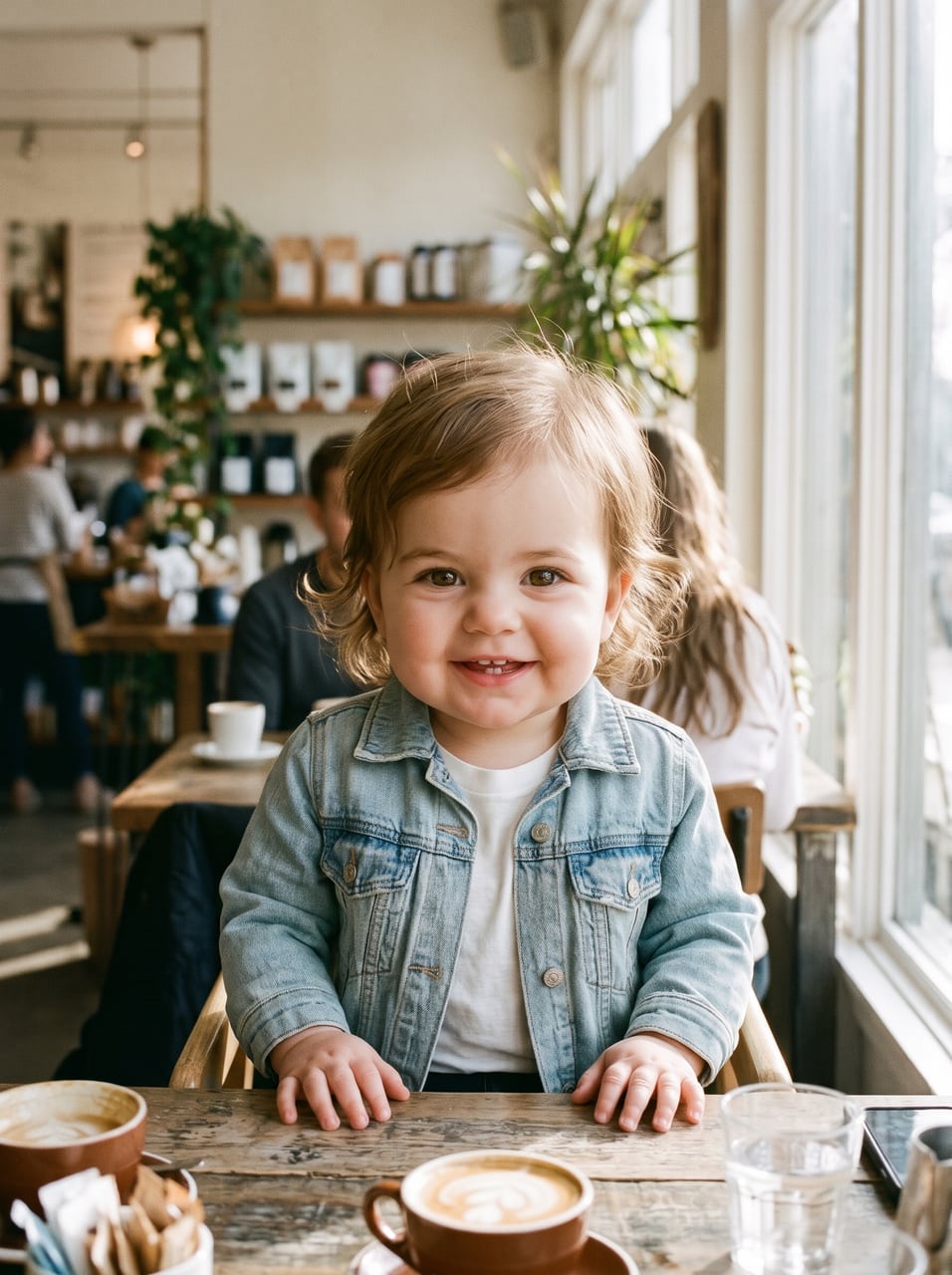
Same eyes
A woman in a denim jacket as a one-year-old
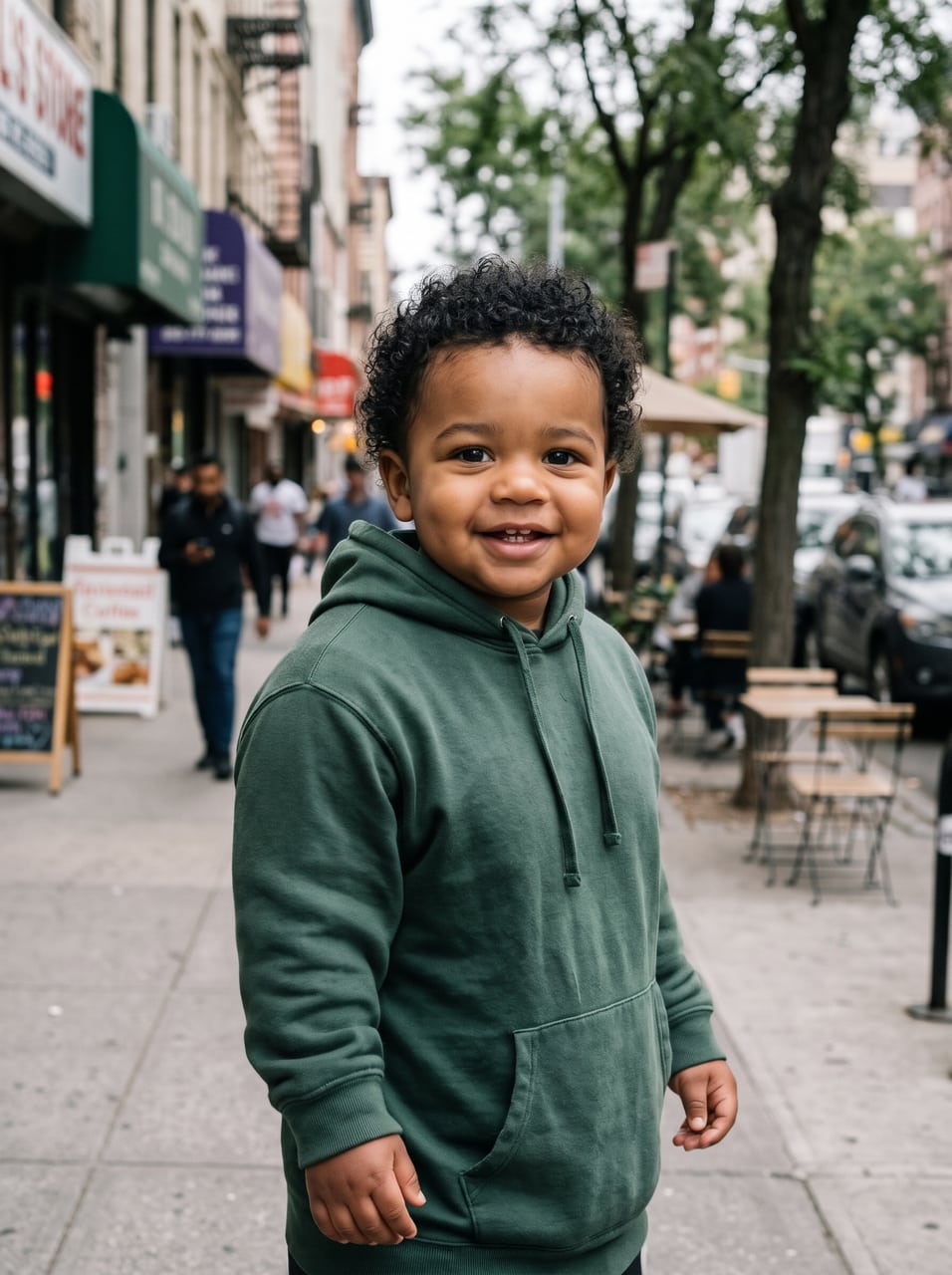
Same smile
A man in a green hoodie as a baby
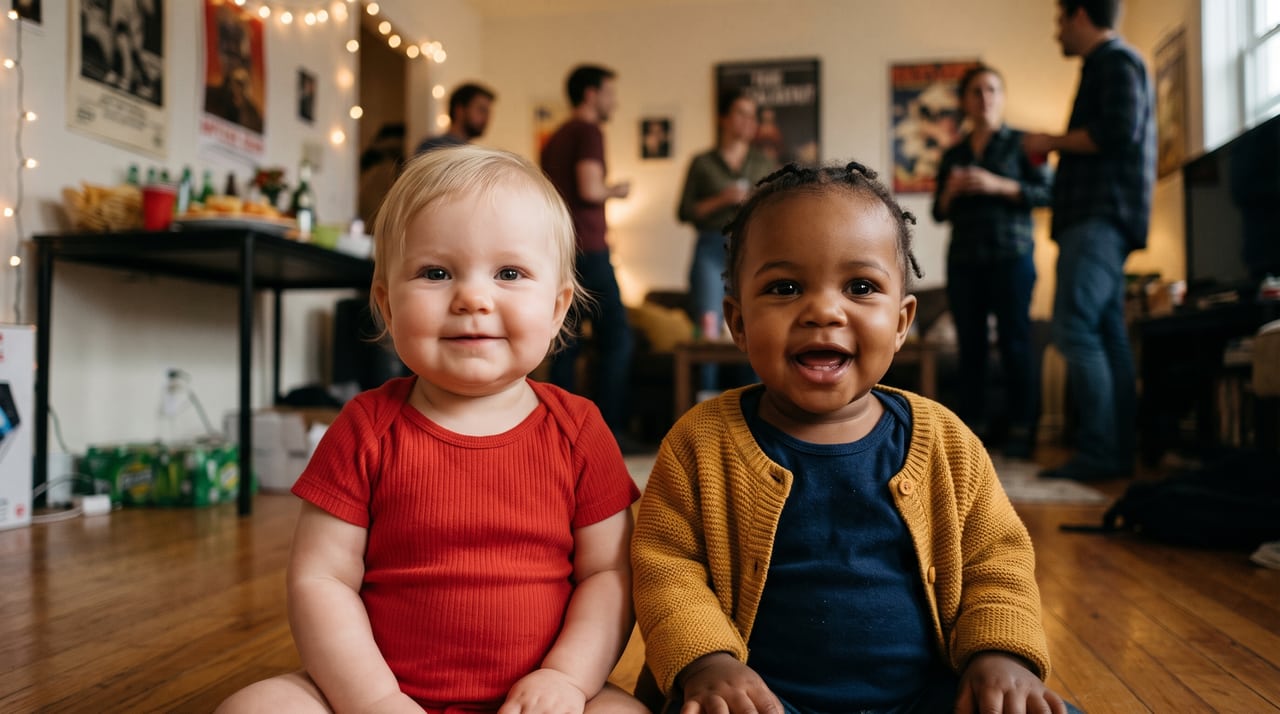
Baby duo
Two friends as babies side by side
What is baby face?
The baby face effect imagines you as a one-year-old. It keeps the features people recognize, such as eye color, hair color and the shape of your face.
The result is an imagined baby portrait you can save and share.
Your features, younger
Eye color, hair color and face shape carry over to the baby version.
Same scene
The pose and background stay close to your photo, so the before and after match.
Change the look
Ask for an outfit, a smile or a studio backdrop in the note.
Saved to Assets
Download the picture now or come back to it later from Assets.
How to use baby face
- 1
Upload a photo
Choose a clear photo with the adults facing the camera.
- 2
Add a note if you like
Ask for an outfit, an expression or a backdrop.
- 3
Generate and download
The baby picture appears next to your photo and is saved to Assets.
Notes you can try
Knit sweater
Put the baby in a cozy knit sweater
Big smile
Make the baby laugh with a big smile
Studio portrait
Use a plain studio backdrop like a baby photo shoot
Tips for better results
- 1
For a side-by-side portrait, use a photo where both adults are facing the camera.
- 2
Even lighting keeps the eye and hair color accurate.
- 3
Post the before and after side by side.
- 4
Turn the result into a short clip with Image to Video.
Baby Face FAQ
How many credits does it cost?
Each picture costs 3 credits. New accounts get free credits to try it.
What photos can I upload?
JPG, PNG or WebP files up to 10 MB. Only upload photos you own or have permission to use.
Do I lose credits if generation fails?
No. Credits are returned automatically when a generation fails.
Can I upload a photo of a child?
No. Please upload a photo of an adult who agreed to it.
Can the baby face effect edit two adults in one photo?
Yes. Choose a photo where both faces are visible to get a side-by-side baby portrait.
Can I change the outfit in the baby portrait?
Describe the outfit in the optional note, such as a yellow knit sweater.