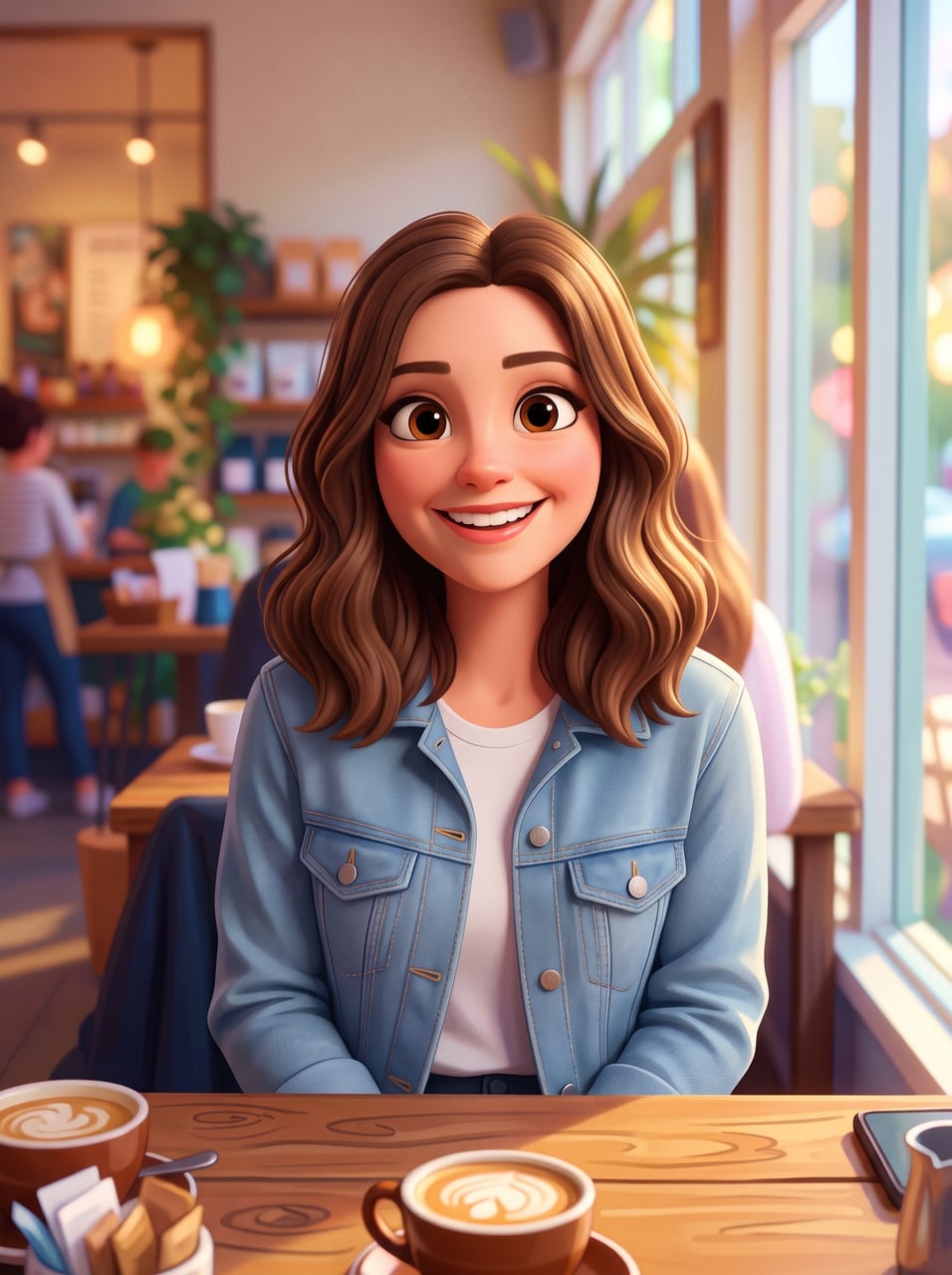
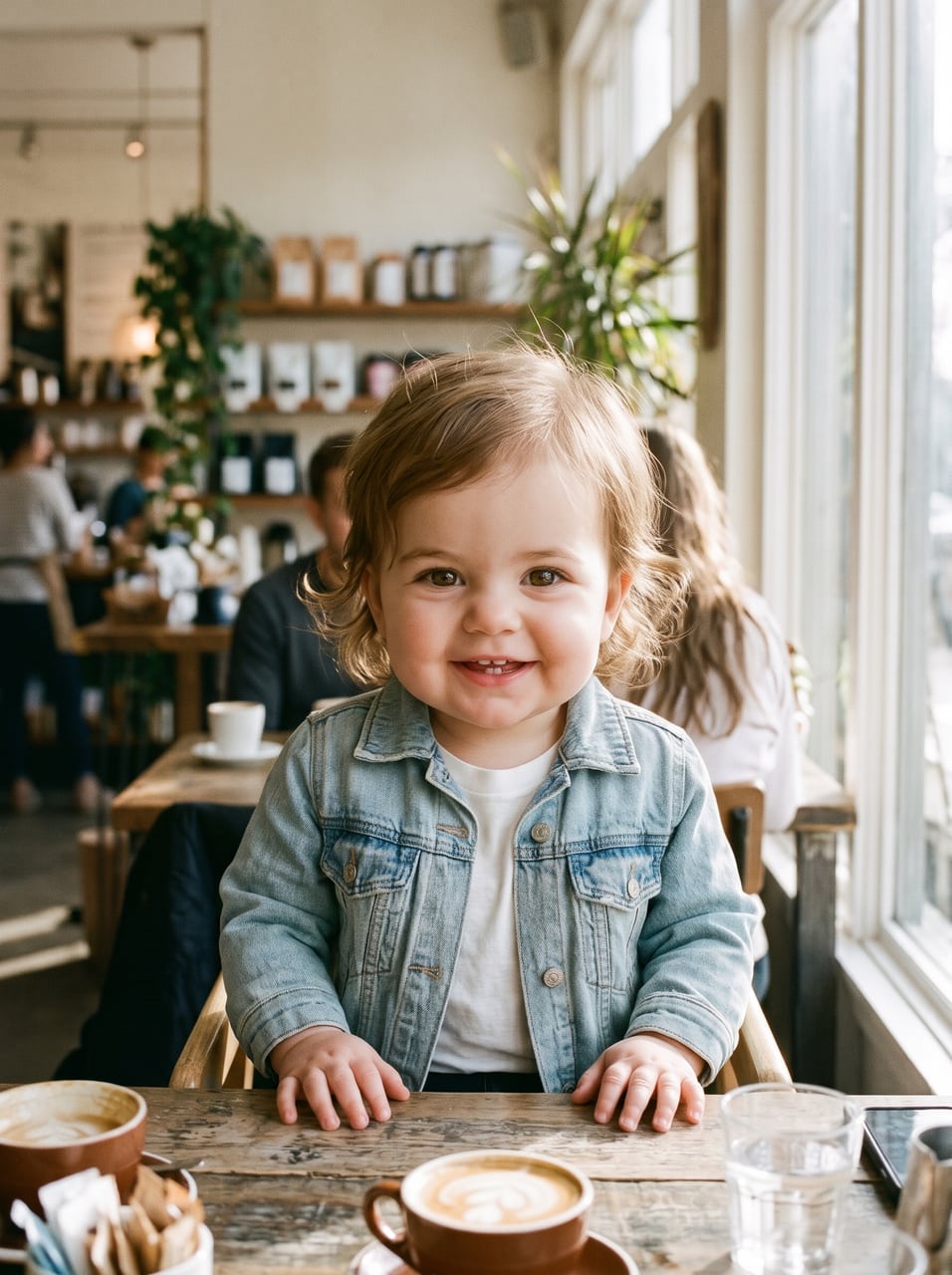
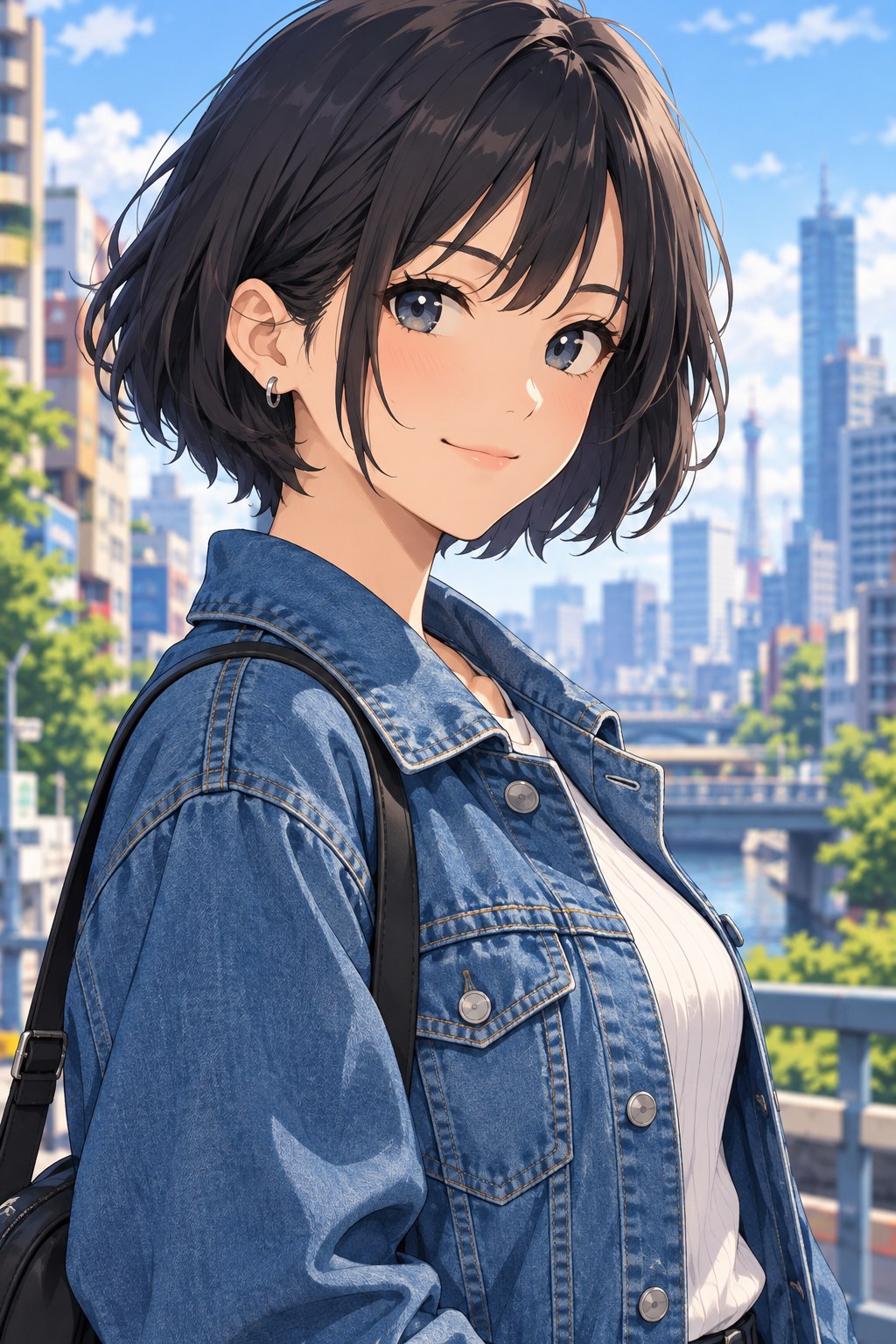
AI Blind Box Figure Generator
Upload a photo and get yourself as a collectible vinyl toy, standing in an open blind box. Your face, hair and outfit carry over.
Examples you can make
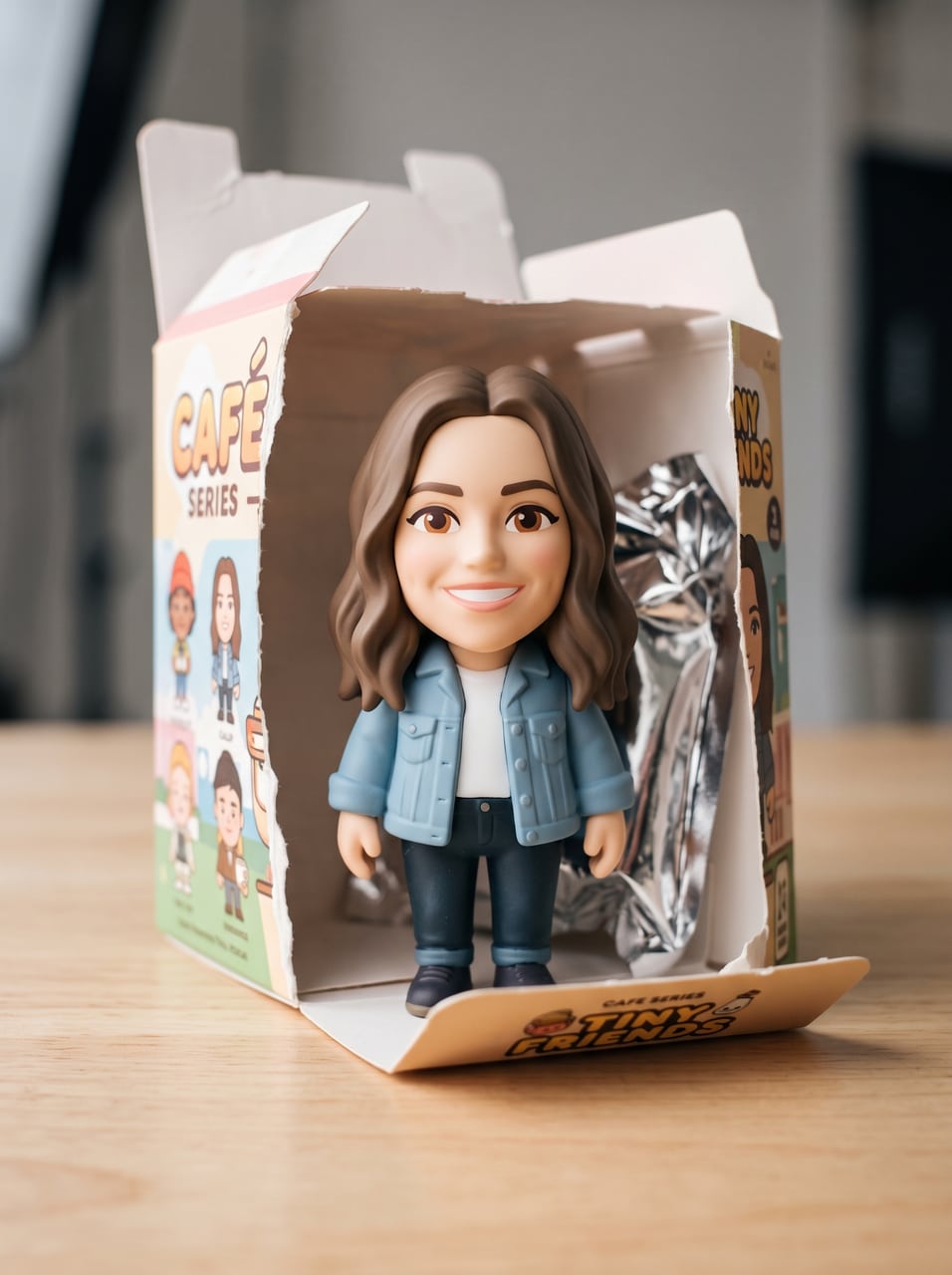
Coffee break
A woman in a denim jacket as a matte vinyl figure in an open box
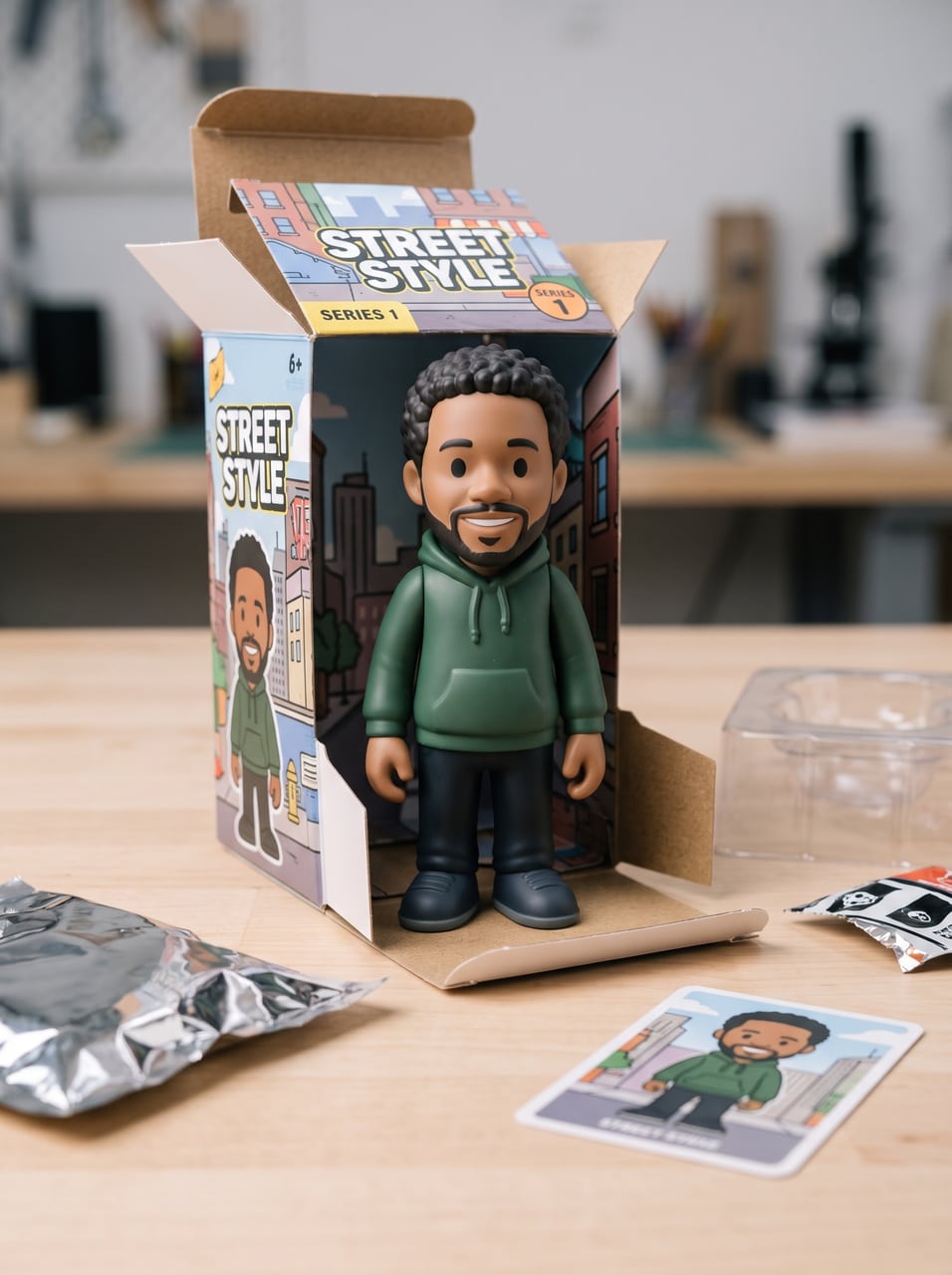
Weekend look
A man in a green hoodie as a designer toy
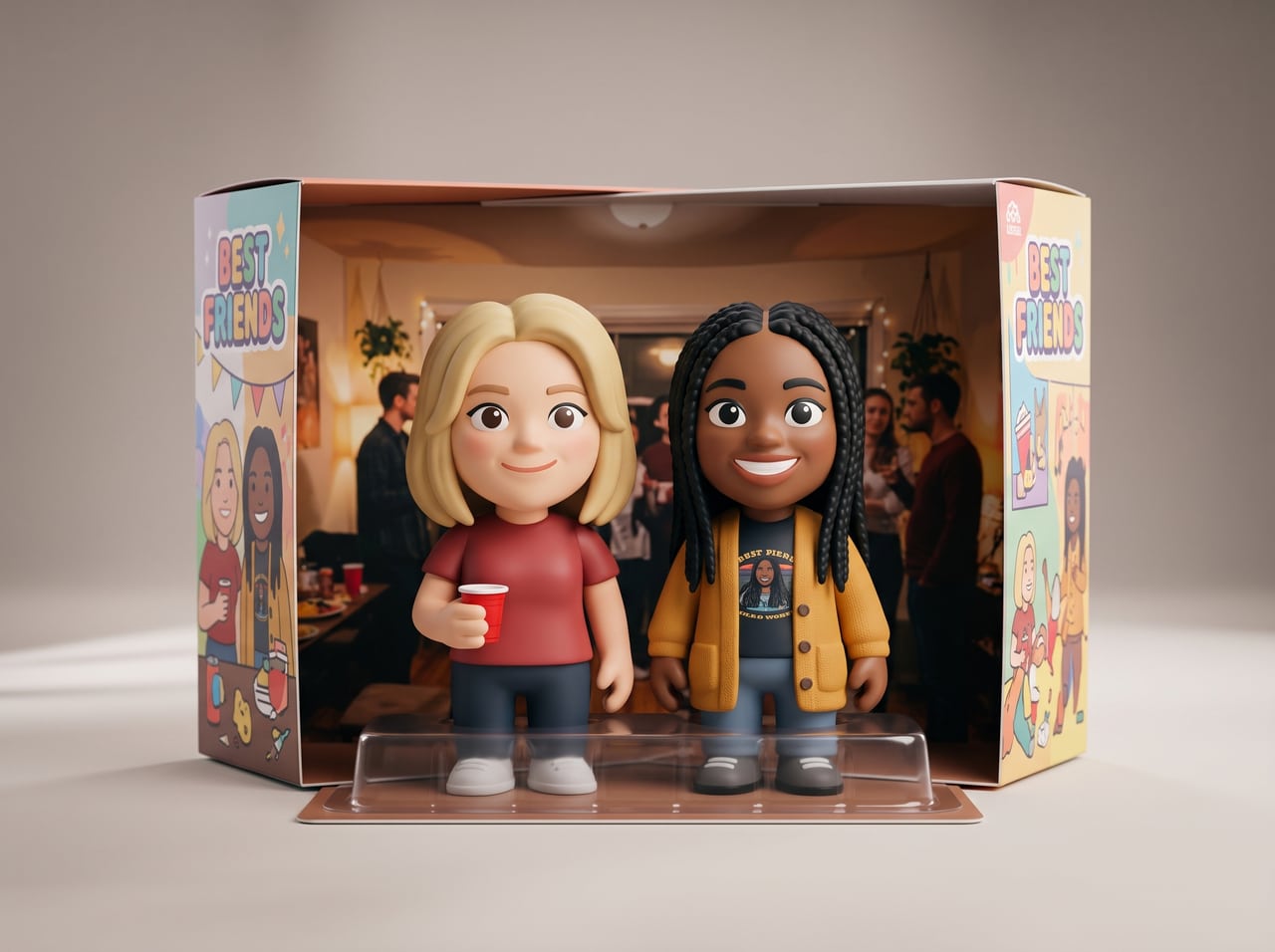
Best friends
Two friends as a matching pair of figures
What is blind box figure?
Blind box figures are small collectible vinyl toys sold in sealed boxes. The AI version turns your own photo into one, with a simple rounded style and a matte finish.
Use a solo portrait for one figure or choose a photo with two people to make a matching set in the same box.
You, as a toy
Your face, hairstyle and outfit are carried into a simple vinyl toy style.
Box included
The figure stands in an open blind box on a studio table, ready to post.
Add details
Ask for a prop, a box color or a glossy finish in the note.
Saved to Assets
Download the picture now or come back to it later from Assets.
How to use blind box figure
- 1
Upload a photo
A clear photo where the face and outfit are easy to see works best.
- 2
Add a note if you like
Ask for a prop, a box color or a different finish.
- 3
Generate and download
The figure appears next to your photo and is saved to Assets.
Notes you can try
Pastel box
Use a pastel pink box with a small logo-free label
Holding a prop
Give the figure a tiny coffee cup in one hand
Glossy finish
Use a glossy finish instead of matte
Tips for better results
- 1
Use a photo where the whole outfit is visible. The toy copies the clothes.
- 2
Simple, solid-color outfits read best at toy scale.
- 3
Ask for one prop at most. Several props crowd the box.
- 4
Turn the result into a short clip with Image to Video.
Blind Box Figure FAQ
How many credits does it cost?
Each picture costs 3 credits. New accounts get free credits to try it.
What photos can I upload?
JPG, PNG or WebP files up to 10 MB. Only upload photos you own or have permission to use.
Do I lose credits if generation fails?
No. Credits are returned automatically when a generation fails.
Is this an official toy brand?
No. The figures are generic designer toy styles with no brand names or logos.
Can I make two blind box figures from one photo?
Use a photo where both faces and outfits are easy to see. The effect puts both figures in the same box.
Can I choose the color of the blind box?
Add a box color in the optional note, such as pastel pink or sky blue.