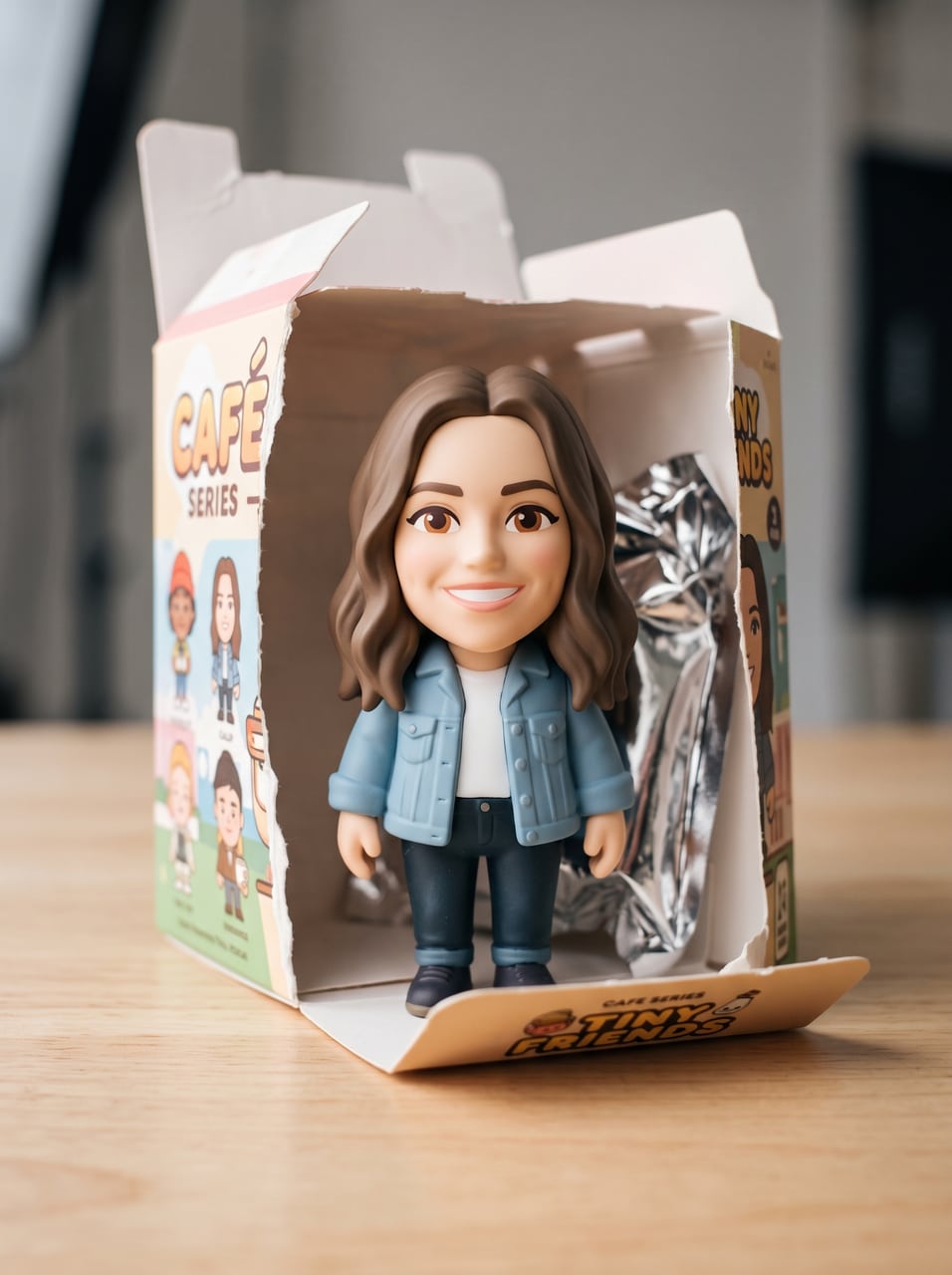
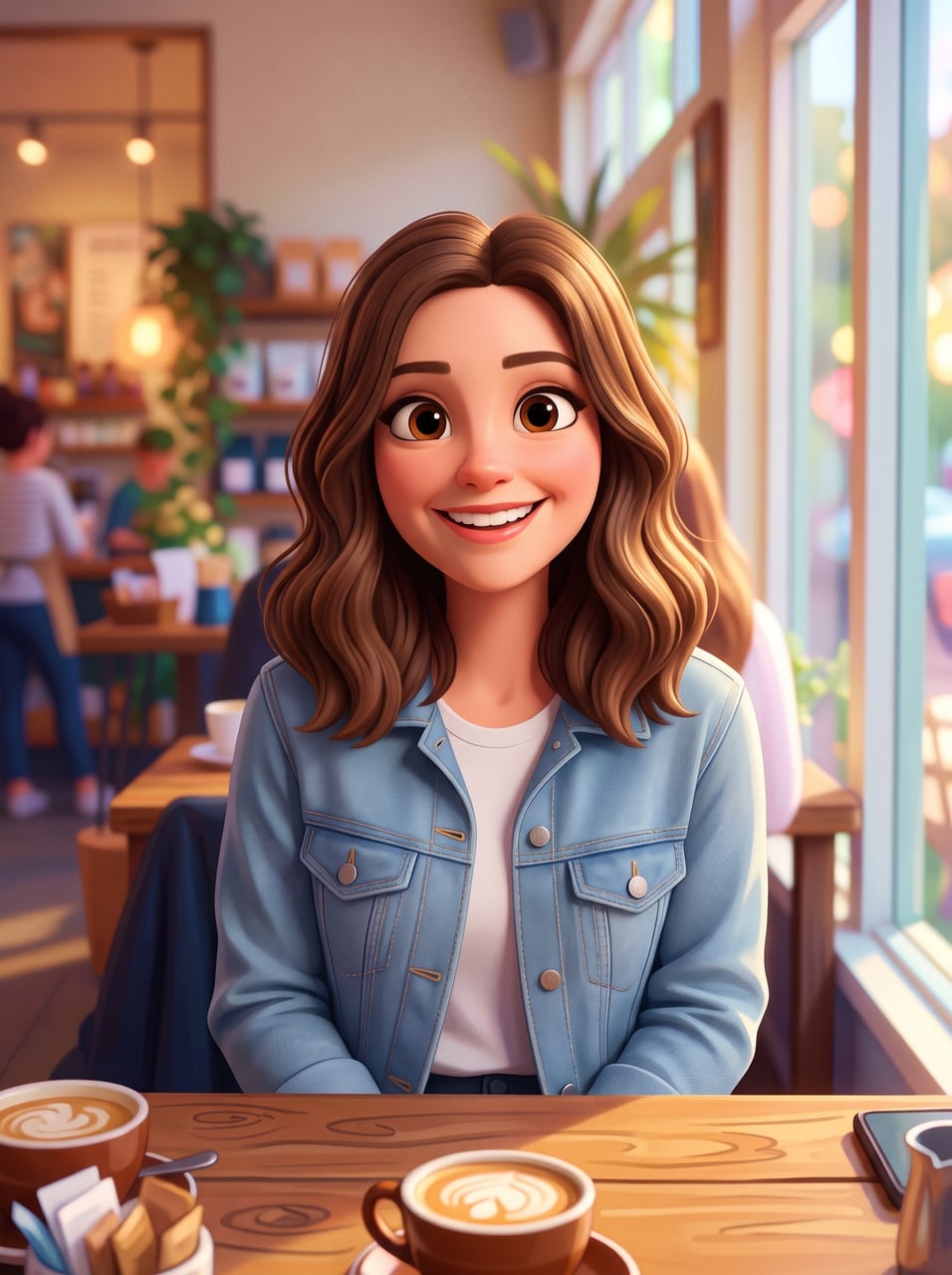
AI Pet to Human Generator
Upload a photo of your pet and see a fictional human portrait inspired by its coat, eyes and expression. Add a note for the outfit or setting.
Examples you can make
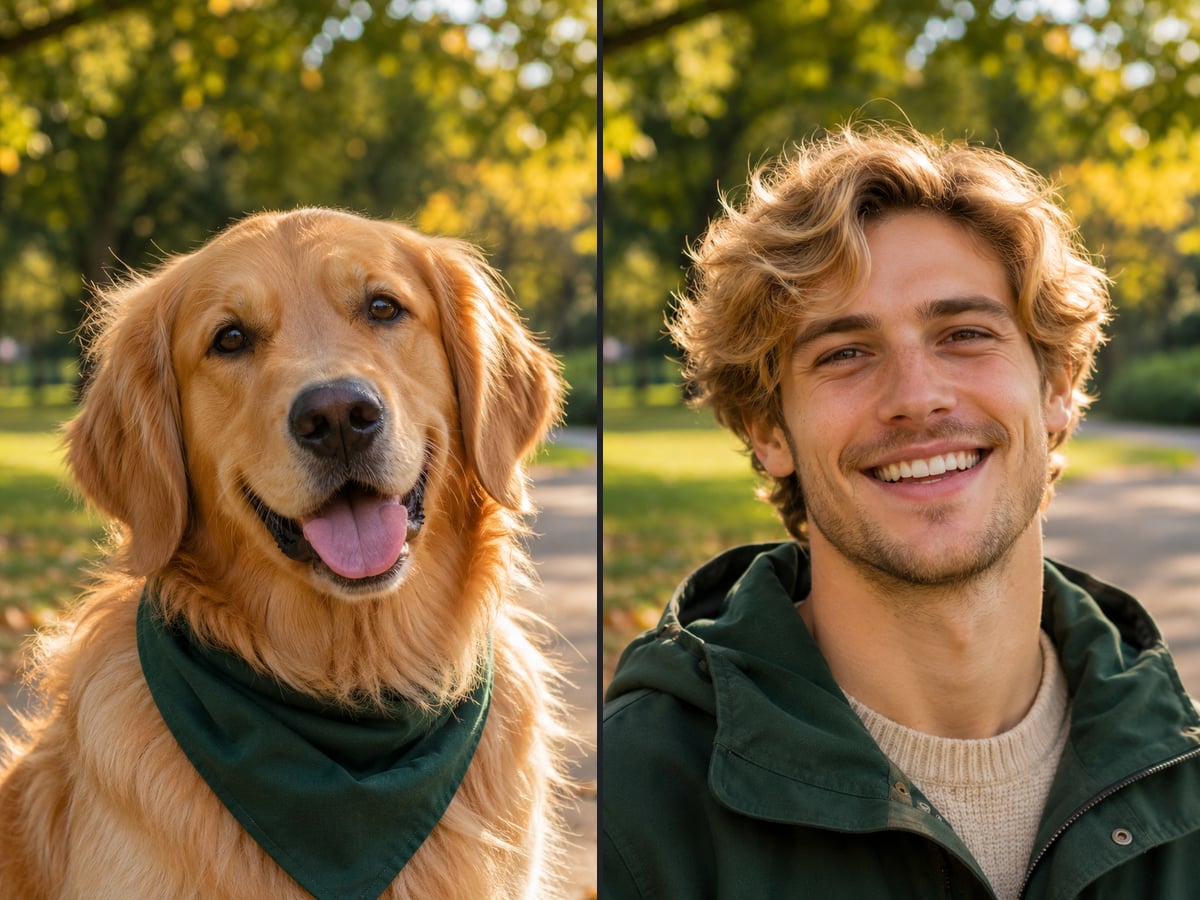
Golden retriever
A golden coat and green bandana inspire a friendly park portrait
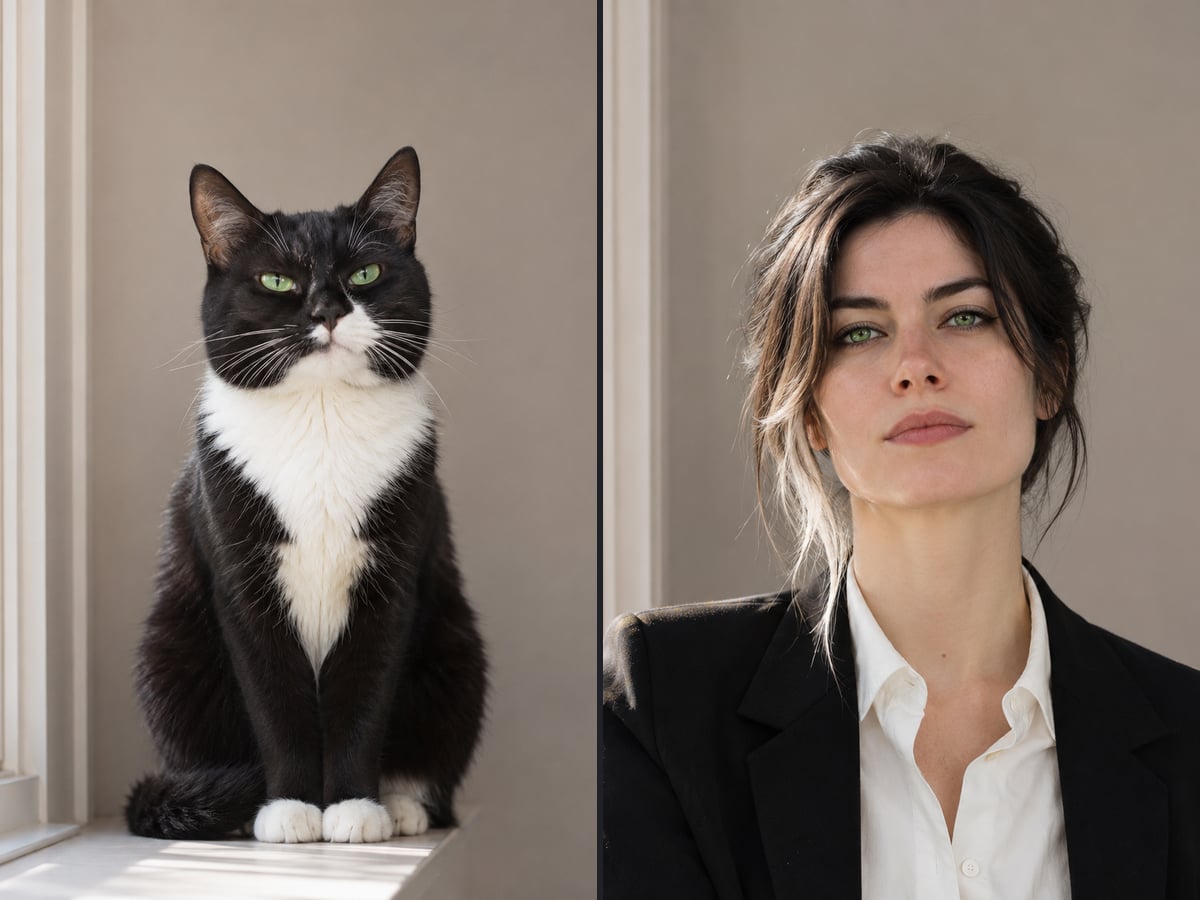
Tuxedo cat
Bright green eyes and a black-and-white coat inspire a poised portrait
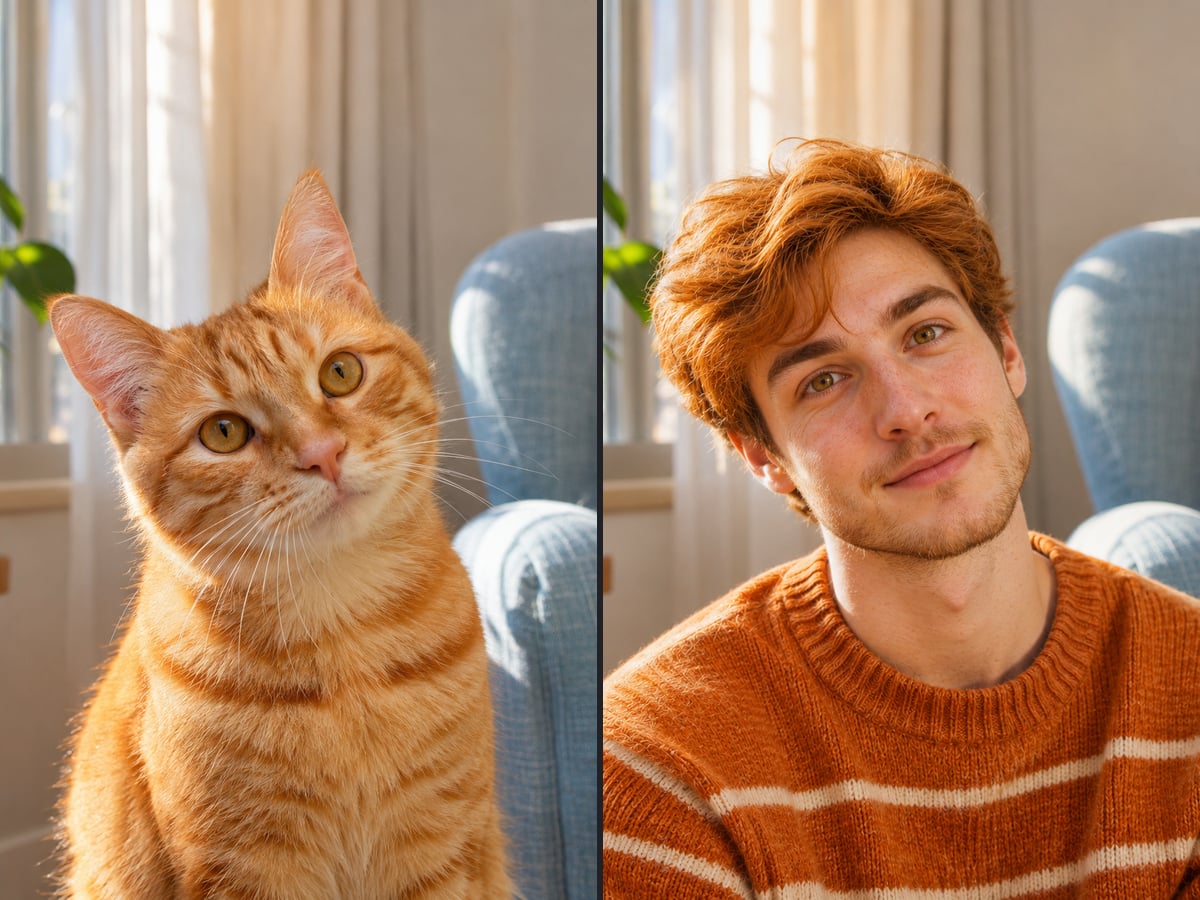
Orange tabby
Amber eyes and ginger stripes inspire a portrait in warm window light
What is pet to human?
The pet to human effect turns details from a pet photo into choices for an imagined person. A tuxedo cat’s white bib might become a white shirt, while a golden retriever’s expression can inspire a warm smile.
Try the effect with a clear photo of one cat or dog. A favorite collar, bandana or familiar setting can make the result easier to recognize when you compare it with the original.
Carry over the coat colors
Look for familiar colors and markings in the human portrait’s hair and clothes.
Keep the expression
A curious tilt or a relaxed gaze gives the portrait a starting point.
Guide the styling
Ask for a specific outfit or setting in the optional note.
Save a shareable portrait
Get a JPG of the imagined person, ready to save alongside the original pet photo.
How to use pet to human
- 1
Pick one pet photo
Choose a photo where the eyes and coat pattern are easy to see.
- 2
Add a detail if you like
Mention a favorite bandana, a jacket color or a setting to carry into the portrait.
- 3
Generate the human portrait
Download it from the result panel or return to it later in Assets.
Notes you can try
Park portrait
Give them a forest green jacket and keep the park setting
Black and white outfit
Use a black jacket over a white shirt to echo the tuxedo coat
Cozy indoor portrait
Use an orange knit sweater with subtle stripes and warm window light
Tips for better results
- 1
Choose a photo at the pet’s eye level for a clearer look at its expression.
- 2
Use a close crop around one pet if the original photo has several animals.
- 3
Visible coat patterns give the effect more detail to carry into the styling.
- 4
Try a note about personality, such as curious, dignified or playful.
Pet to Human FAQ
Does Pet to Human work with cats and dogs?
Yes. Start with one cat or dog with a visible face and coat.
Which features can the portrait keep?
The effect draws on eye color, expression, coat markings and details such as a bandana.
Can I upload a photo with two pets?
Crop it to the pet you want to transform before uploading. The effect is designed for one pet at a time.
What does the Pet to Human download include?
You get one JPG of the imagined human portrait. Keep the original pet photo if you want to make a comparison.
What kinds of pet photos can I upload?
Use a JPG, PNG or WebP up to 10 MB. Choose a photo with clear eyes and even light.
How many credits does Pet to Human cost?
One portrait costs 3 credits. Failed generations return the credits automatically.